How to Keep Track of Business Expenses
For freelancers, 1099 workers and small businesses. Keep track of business expenses with three habits: capture every receipt the day you get it, write down what it was for, and match your receipts to your bank or card statement every month. The free tools on this page handle the paperwork the IRS asks for, and when doing it by hand gets old, we point you to the receipt app we use.
We earn a commission if you subscribe via our links. We're not SparkReceipt.
Written from IRS sources for United States federal taxes. States and other countries have their own rules. General information, not tax advice.
Free receipt tools
Each tool runs in your browser and keeps nothing you type.
Missing receipt affidavit
Lost a receipt? Write the statement that stands in for it, then print it or save it as a PDF.
Open the toolHow long to keep tax records
Pick your situation and get the date your receipts, bank statements and returns can go.
Open the toolReceipt checker
Tick what your receipt shows and see what the IRS asks for that it is missing.
Open the toolCan an app find the receipts buried in my email?
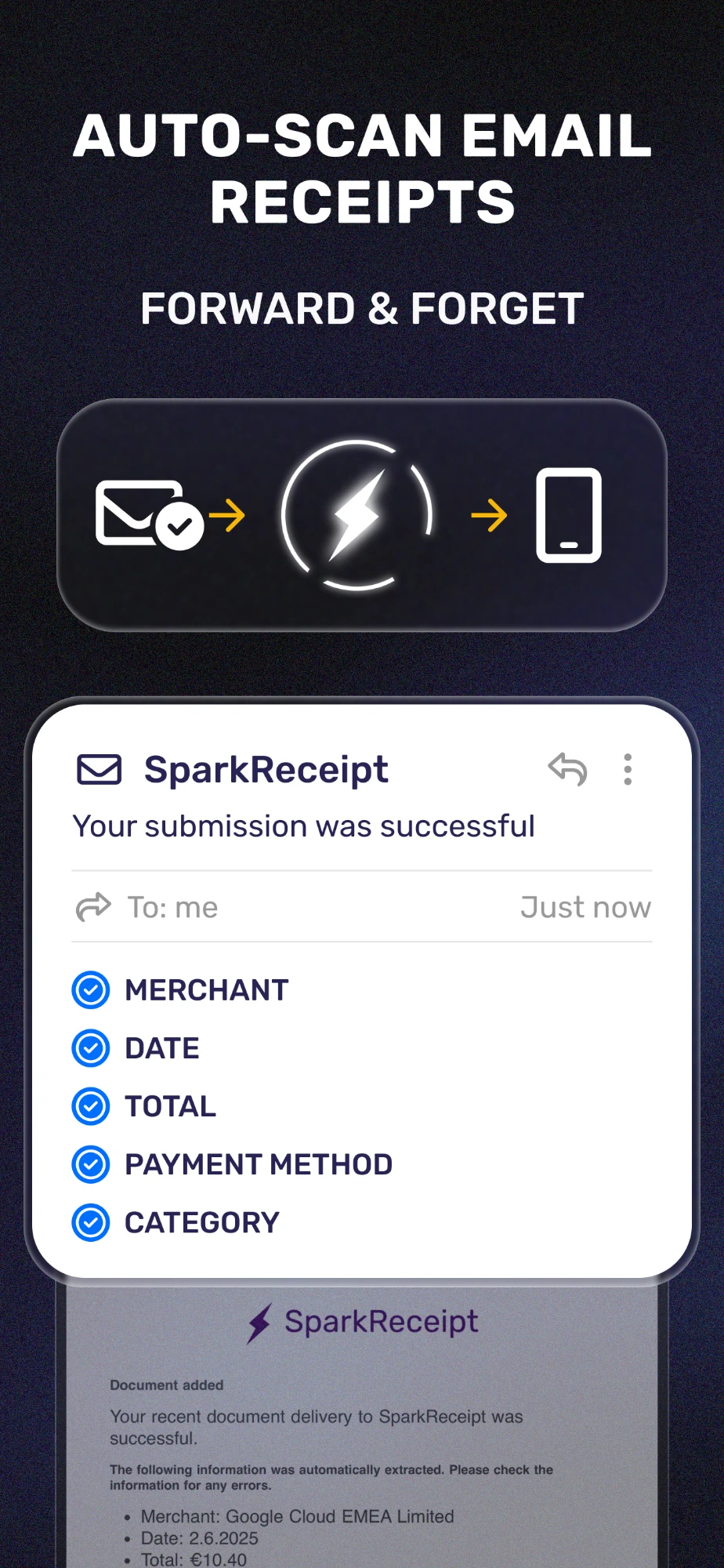
Yes, and it is the feature we would point to first. Online orders, subscriptions, rides and software all send their receipts by email, and they end up scattered across years of messages. SparkReceipt connects to your inbox, Gmail, Outlook or any IMAP mailbox, scans it for receipts and invoices on its own, reads the merchant, date, total, payment method and category of each one, and files it with the rest of your expenses.
You can also forward a single receipt email to SparkReceipt and it is added the same way. Past emails can be brought in too: on SparkReceipt's pricing, the first 10,000 past emails per account are included, and more use credits.
- Pro: one connected email inbox
- Elite: several connected email inboxes
Try SparkReceipt free for 7 days
We earn a commission if you subscribe via our links. We're not SparkReceipt.
Sources: SparkReceipt pricing page, email receipt scanning and credits (read October 30, 2026).
How to keep receipts from fading
Why thermal receipts disappear, how to slow it down, and the copy that does not fade.
Read the guideGas receipts for taxes
When gas receipts matter, when the mileage log matters more, and how to split the cost.
Read the guideHow to organize receipts for taxes
By year and by type, the way the IRS suggests, with a ten-minute monthly check.
Read the guideShould I keep grocery receipts for taxes?
Usually not. The few times a grocery receipt does matter, and what to write on it.
Read the guideHow to organize tax documents for your accountant
One folder, six parts, and a checklist of what goes in each.
Read the guideWhat is the easiest way to keep track of receipts?
Do the small part every day and the matching part once a month. Photograph a paper receipt before it leaves your hand, because thermal paper fades. Send email receipts to one folder. Then once a month, put your receipts next to your card and bank statements and make sure every business line has its receipt.
Write the business reason on the receipt the same day. The IRS asks for it, and a note made at the time is worth more than one written months later.
What does the IRS want a receipt to show?
The IRS list of documents for business expenses asks that they show:
- Who you paid
- The amount
- Proof that you paid it
- The date
- What you bought, described well enough to show it was for the business
How do 1099 workers keep track of expenses?
The same way a shop does. The IRS asks a freelancer or gig worker for the same records as any business: a record of each expense and the documents that back it up. Keeping business spending on one card makes the monthly match much faster, and a receipt app can pull those receipts in for you.
The receipt app we use: SparkReceipt
When keeping receipts by hand gets old, we point people to SparkReceipt. It captures receipts from your phone, your email inbox and your bank statements, matches them to your bank lines, and gets the month ready for your accountant or your bookkeeping software. Here is what SparkReceipt's own website says today.
Sources: SparkReceipt pricing page (prices exclude VAT or GST where it applies) (read October 30, 2026); IRS, What kind of records should I keep (read October 30, 2026); IRS Publication 583, Starting a Business and Keeping Records, Electronic records (read October 30, 2026); IRS Publication 463 (2025), Travel, Gift, and Car Expenses, chapter 5 (read October 30, 2026).
Stop keeping receipts by hand
Snap paper receipts, pull in email receipts and match them to your bank lines in one app. 7-day free trial on both plans.
We earn a commission if you subscribe via our links. We're not SparkReceipt.
Questions people ask
Is Receipt Playbook part of SparkReceipt?
No. Receipt Playbook is independent. We use SparkReceipt and earn a commission when someone subscribes through our links, at no extra cost to them.
Do the tools keep what I type?
No. Every tool runs in your own browser. Nothing you type is sent to us or stored, and closing the tab clears it.
Do these rules apply outside the United States?
No. The tools and guides follow IRS rules for United States federal taxes. Your state, and every other country, has its own rules on records.
What records does a small business need to keep?
The IRS lets you choose any recordkeeping system that clearly shows your income and expenses, with a summary of your transactions, usually your books, and the supporting documents behind them: sales slips, paid bills, invoices, receipts, deposit slips and canceled checks.
Why keep records if nobody asks for them?
Publication 583 says you may forget expenses when you prepare your tax return unless you record them when they occur. Good records also show whether the business is improving and support everything you report.
Is keeping track on a spreadsheet enough?
It can be, as long as the system clearly shows income and expenses and you keep the receipts behind each line. The IRS lets you choose the system that suits your business and applies the same rules to electronic records as to paper.
How often should I match receipts to my bank statement?
Once a month works well, because that is how statements arrive. Publication 463 says a record made at or near the time of an expense is worth more than one made later, so the monthly match is the backstop, not the first record.
How much does SparkReceipt cost?
On SparkReceipt's website, read on October 30, 2026: Pro is $6.90 a month or $69 a year, and Elite is $12.90 a month or $129 a year, each for one user, with a 7-day free trial and VAT or GST added where it applies. Check their pricing page for today's price.